BYOB Suite
Published on June 11, 2026 BYOB
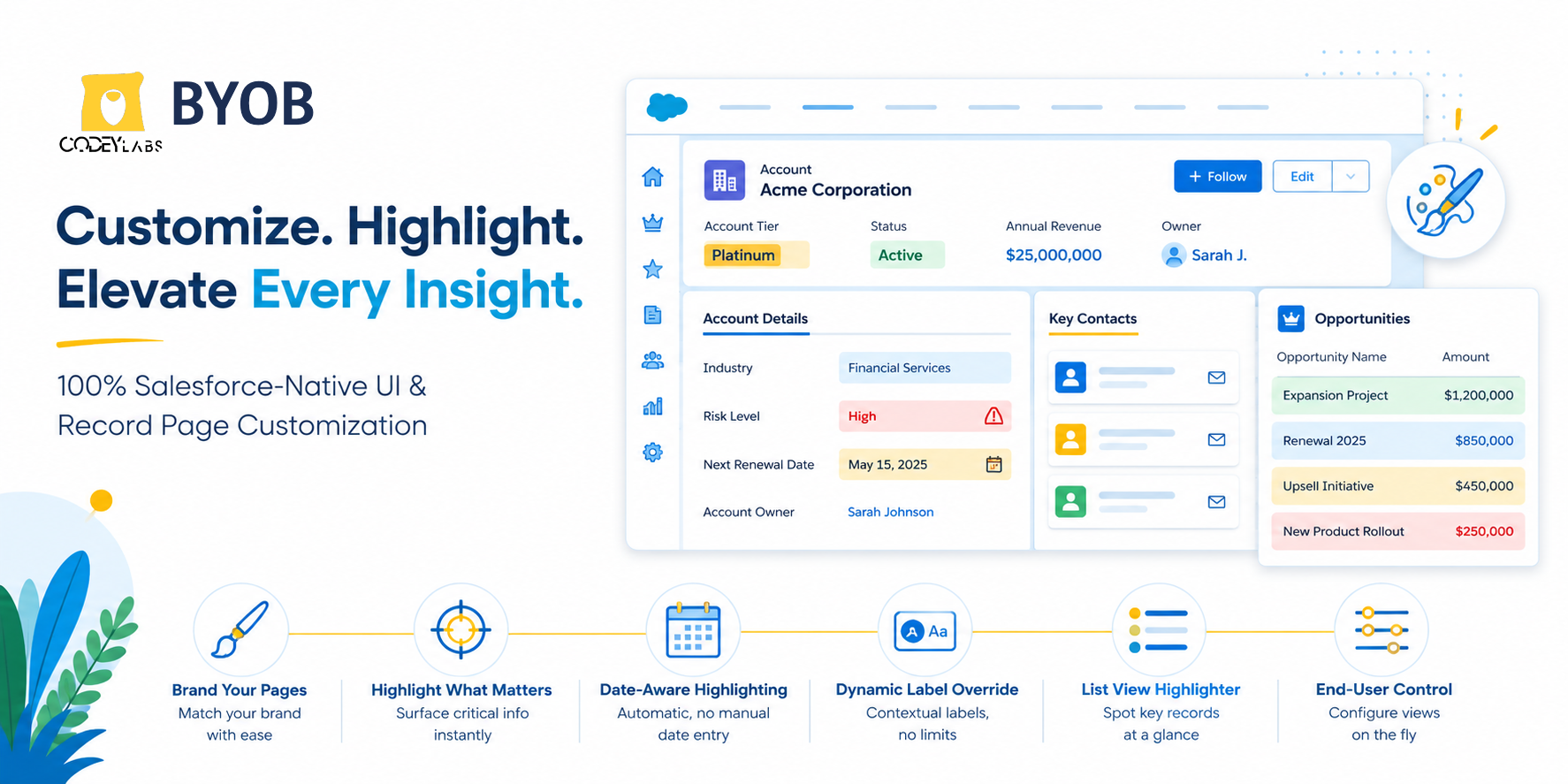
Build Your Own Branding (BYOB) Suite
Salesforce-Native UI and Record Page Customization
The Build Your Own Branding (BYOB) Suite is a 100% Salesforce-native, no-code solution that transforms the standard Lightning UI into a fully branded, customized experience. It provides dynamic CSS overrides, conditional field and list view highlighting, and custom field label overrides — helping teams find critical information faster and improving user engagement through role-specific interfaces.
A. The Challenge: A Rigid Standard UI
Salesforce Lightning Experience offers strong data structure, but its standard interface applies a uniform look across every record page. This creates a few common problems for growing organizations:
- Brand disconnect: Standard pages don't reflect your organization's brand identity or sub-brand initiatives.
- Information blindspots: Important fields, warnings, and status values can get lost among standard page details, especially with plain black-on-grey formatting.
- One-size-fits-all limitations: Different teams need different priorities visible (for example, a sales rep needs pipeline value front and center, while a support agent needs risk status). Achieving this natively has traditionally required custom code.
Zero-dependency architecture: The BYOB Suite runs entirely within your Salesforce environment — no external APIs, no data-sync delays, and full alignment with your existing security setup.
https://www.youtube.com/watch?v=2og_W3eTInc
B. The Solution: BYOB Suite Components
BYOB adds a configuration-driven layer inside Lightning App Builder, with six components:
Component 1: Page Branding Sets
Apply dynamic CSS overrides to record layout blocks — headers, buttons, and accent colors — without editing global themes.
https://www.youtube.com/watch?v=Bwku6GWNLIo
Component 2: Field Highlighter
Apply conditional highlighting to standard or custom fields based on field values, instantly shifting background and font colors when conditions are met.
https://www.youtube.com/watch?v=EcUw4LqvrJ8
Component 3: Field Highlighter By Date
Automatically highlight records based on date fields, with no manual entry required.
https://www.youtube.com/watch?v=wA98DxBQZrg
Component 4: Field Label Overrider
Dynamically change field labels based on record criteria, such as a contact's country, and exceed Salesforce's native 40-character field label limit.
https://www.youtube.com/watch?v=JYJs2wxfwXA
Component 5: List View Row Highlighter
Apply conditional color formatting to rows in any list view to surface important records at a glance.
https://www.youtube.com/watch?v=JPuFjBWRTiA
Component 6: Row Highlight Configurator
Let end users configure row highlighting logic directly in list views, without admin involvement.
https://www.youtube.com/watch?v=fxbX1gwBhgw
C. Core Features
| Feature | Capabilities |
| Custom Color Schemes | Customize record page blocks or full layouts with defined color palettes — headers, borders, and buttons — via App Builder. |
| Conditional Highlighting | Trigger visual alerts based on field values using custom HEX codes (e.g., #FFFFCC or #FF2020). |
| Role-Based Experiences | Apply different themes and alerts by user Profile or Role using standard Component Visibility rules. |
| Event-Themed Styling | Temporarily adjust branding for campaigns, sales contests, or seasonal events. |
D. Business Benefits
- Stronger brand alignment: Present Salesforce as a fully branded internal portal that matches your corporate guidelines.
- Faster time-to-insight: Highlighted fields (e.g., "High-Risk Account" or "Contract Value Alert" ) help users act faster without manual searching.
- Higher CRM adoption: A cleaner, role-relevant UI reduces user fatigue and improves engagement across teams.
Knowledge Article Number: KA-00073