Carousel Overview
Published on June 16, 2026 Dynamic Carousel Banner
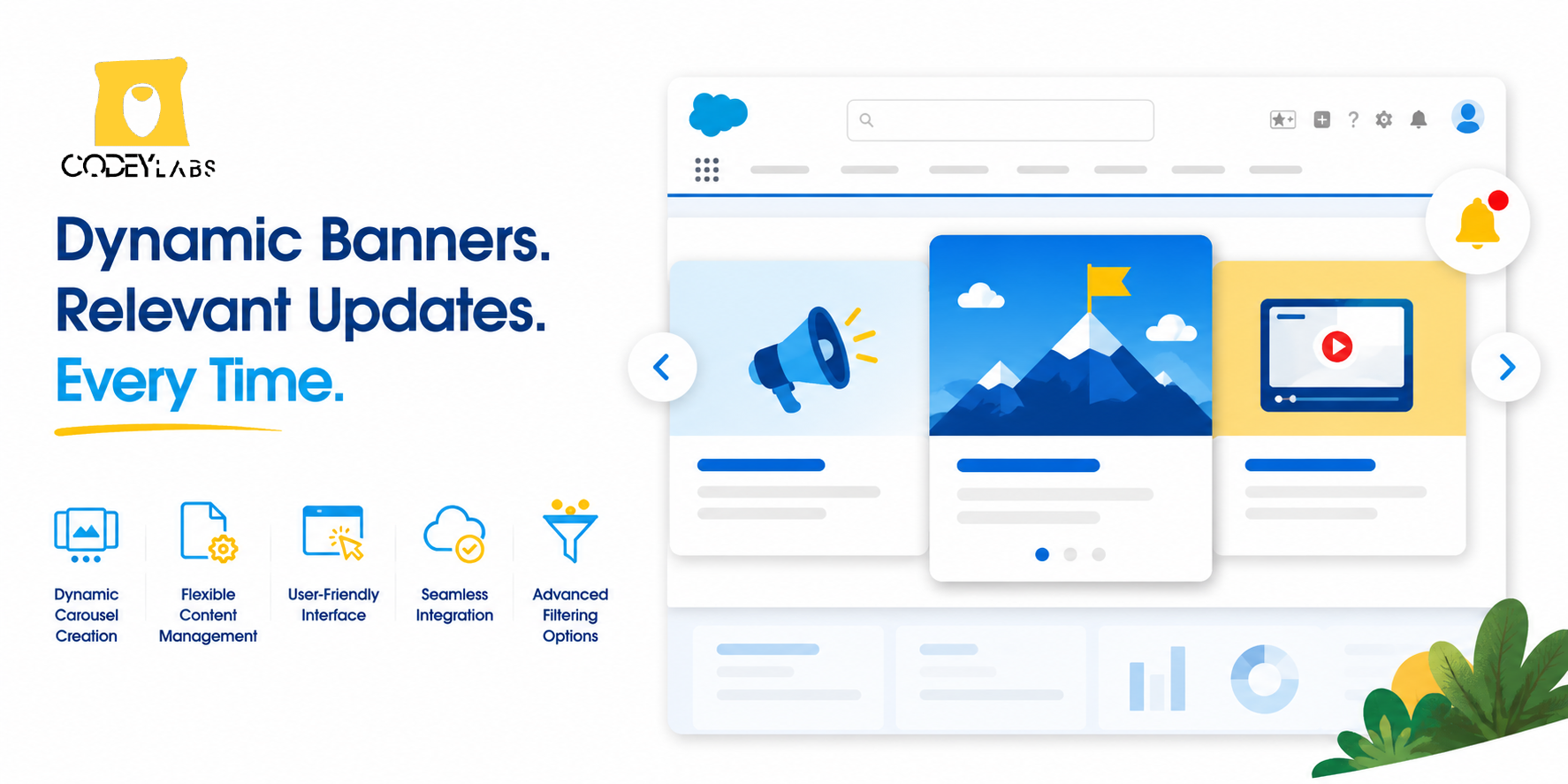
Overview
The Dynamic Carousel Banner is a managed package that deploys customizable notification banners across Salesforce. Banners display as ordered sequences of slides, each containing text, HTML content, or embedded videos. Administrators configure banners through metadata, controlling which slides appear in which apps and to which users, without requiring custom code.
Key Capabilities
1. Slide Configuration & Content
Build carousel slides with multiple content types:
- Ordered sequences: Define the exact order slides appear in the carousel by setting a sequence number on each slide.
- Rich media: Each slide supports plain text, HTML content, or embedded YouTube videos.
- Lifecycle control: Activate or deactivate individual slides to update notifications in real time without deleting configurations.
2. Targeting & Filtering
Direct banners to the right users and contexts:
- App-context filtering: Display specific banners only when a user is within a particular Salesforce app (e.g., Sales Console, Service Console, or Marketing Cloud).
- User-level visibility: Use Salesforce metadata to ensure banners appear only to relevant users, reducing notification fatigue.
3. User Interface & Deployment
- Native carousel controls: End users navigate slides using standard Previous/Next buttons.
- Cross-cloud compatibility: Banners work across all Salesforce Clouds with a single configuration.
- Managed package architecture: Install and configure through metadata only—no custom code required. Upgrades preserve your configuration.
Use Cases
| Use Case | Example |
| User training | Multi-slide walkthrough of a new feature, shown only to users in the relevant app |
| System announcements | Maintenance windows, policy updates, or company news displayed to all users |
| Compliance reminders | Periodic notifications for data handling, security practices, or regulatory requirements |
| Product promotions | Highlight new tools or features with embedded video demos |
Benefits
- Faster updates: Admins can modify or activate banners in minutes through configuration changes, without deploying code.
- Higher engagement: Rich media (HTML and video) attracts user attention more effectively than plain-text emails or posts.
- Reduced noise: App-level and user-level filtering ensures notifications are contextual and relevant.
- Consistent branding: Provides a standardized visual format for communications across Sales, Service, and Marketing clouds.
- Low technical overhead: Managed package format means no custom development, and upgrades automatically preserve your configurations.
Technical Details
- Deployment type: Managed package (Salesforce AppExchange)
- Cloud support: Salesforce Sales Cloud, Service Cloud, Marketing Cloud, and Community Cloud
- Configuration method: Metadata-driven (no code required)
- Content types: Plain text, HTML, YouTube video embeds
- Targeting: App name, user profiles, or custom metadata
Knowledge Article Number: KA-00177