Lightning PDF Generator Introduction
Published on June 16, 2026 Lightning PDF Generator
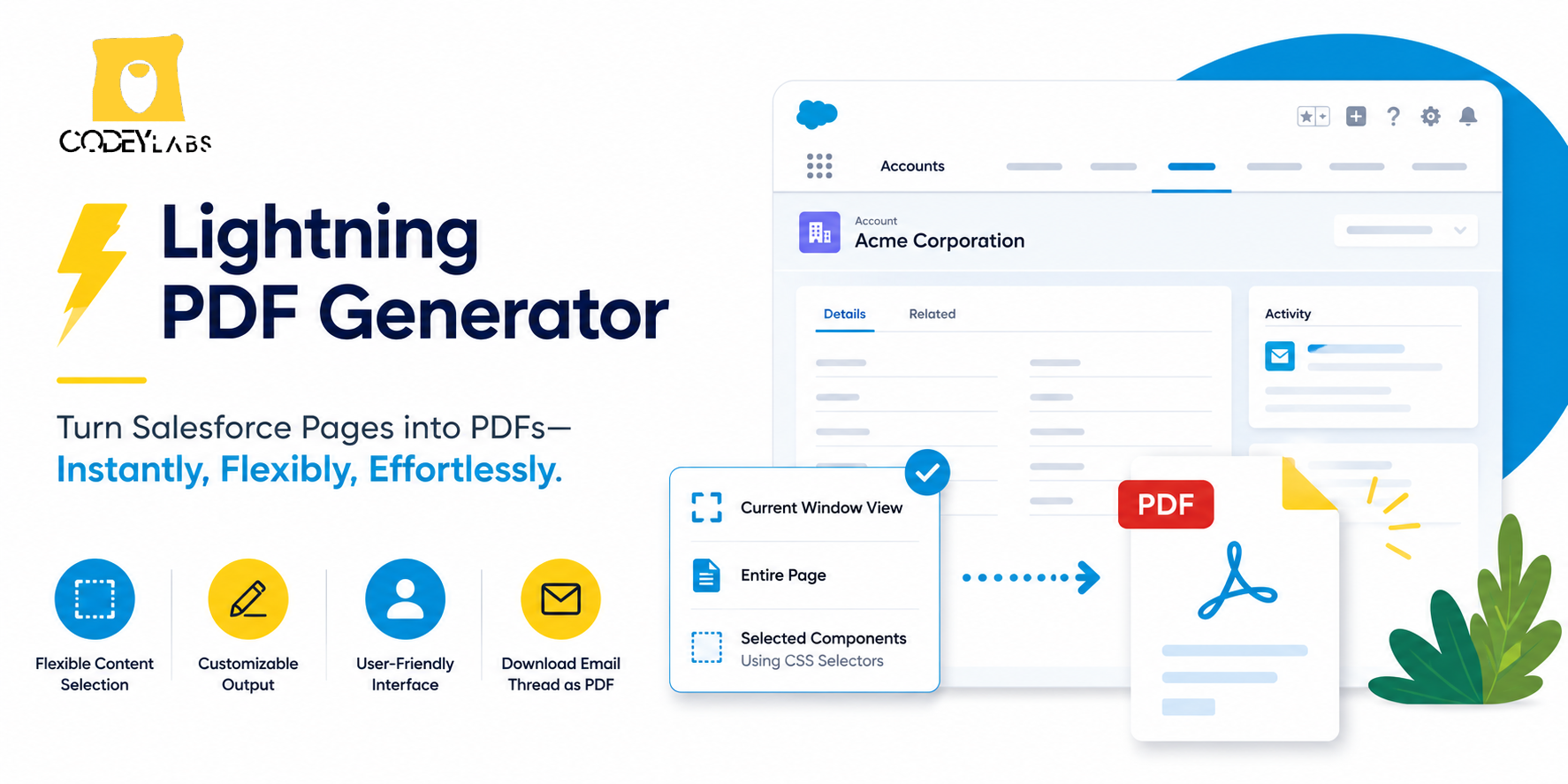
Welcome to the Lightning PDF Generator documentation. This tool allows Salesforce users to easily download the current view of a page or a component as a PDF. With this tool, you can capture specific parts of a page or the entire page, and customize the file name and button label.
Key Features
- Download the visible content of the current window, the entire page, or specific components.
- Customize the output PDF file name.
- Tailor the button label for PDF generation.
- Supports CSS selectors for precise element targeting and custom content on page.
Known Limitations
- PNG Image Support Only : The tool supports only PNG images. If your custom content includes images in formats other than PNG, those images will not appear in the generated PDF.
- Domain-Specific Image Hosting : For custom content, images not hosted on the same domain as the record page will not be displayed in the PDF.
- Special Character Rendering : Occasionally, special characters may not render correctly in the PDF output.
- SVG Image Incompatibility : SVG images are not supported in the PDF generation process. Since Salesforce uses SVG images for certain UI buttons, those may not be rendered in the PDF.
Knowledge Article Number: KA-00200