Defining Practices
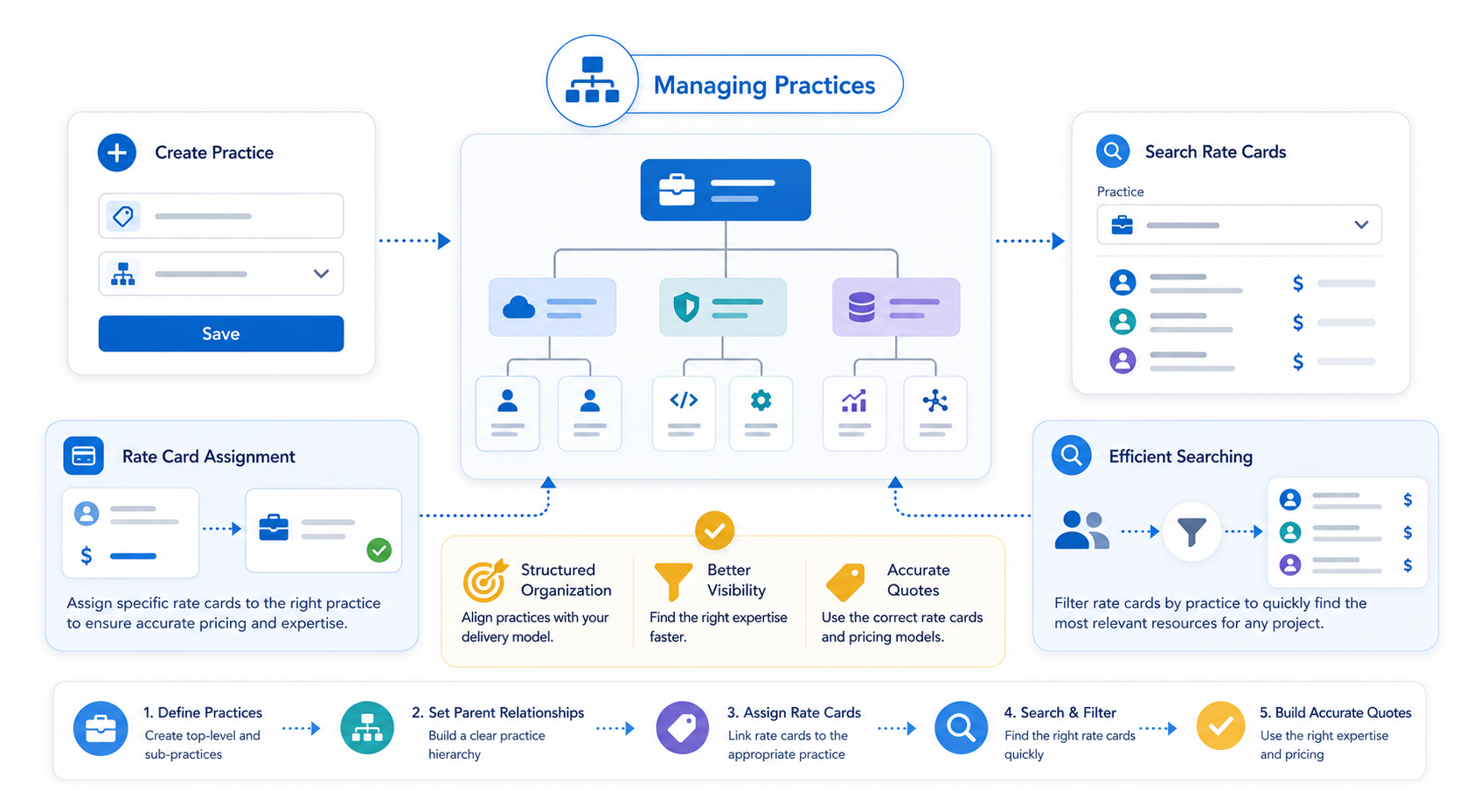
This guide explains how to set up and manage PSC Practices . Practices allow you to categorize your organization's service lines or technical specialties, making it easier to manage and search for specific rate cards.
Similar to Regions, Practices should be designed to align with your organization’s internal delivery structure. They act as a primary filter when users are searching for resources or rate cards during the scoping process.
You can also set up parent relationships with your practices. Parent practices should be set up first. Rate cards can be assigned to a practice and you can search rate cards by practice.
- Click ‘+ New PSC Practice’ from the PSC Practice tab dropdown.
- Give the practice a name.
- Select the parent practice, if applicable.
- Click ‘Save.’
Practical Application
Once your practices are established, they serve two primary functions:
- Rate Card Assignment: You can assign specific rate cards to a practice. For example, a "Senior Consultant" rate card might be specific to the "Salesforce" practice.
- Efficient Searching: When technical architects or sales reps are building a quote, they can filter the rate card library by Practice , significantly speeding up the resource selection process.
Next Step: Manage Skills