Introduction
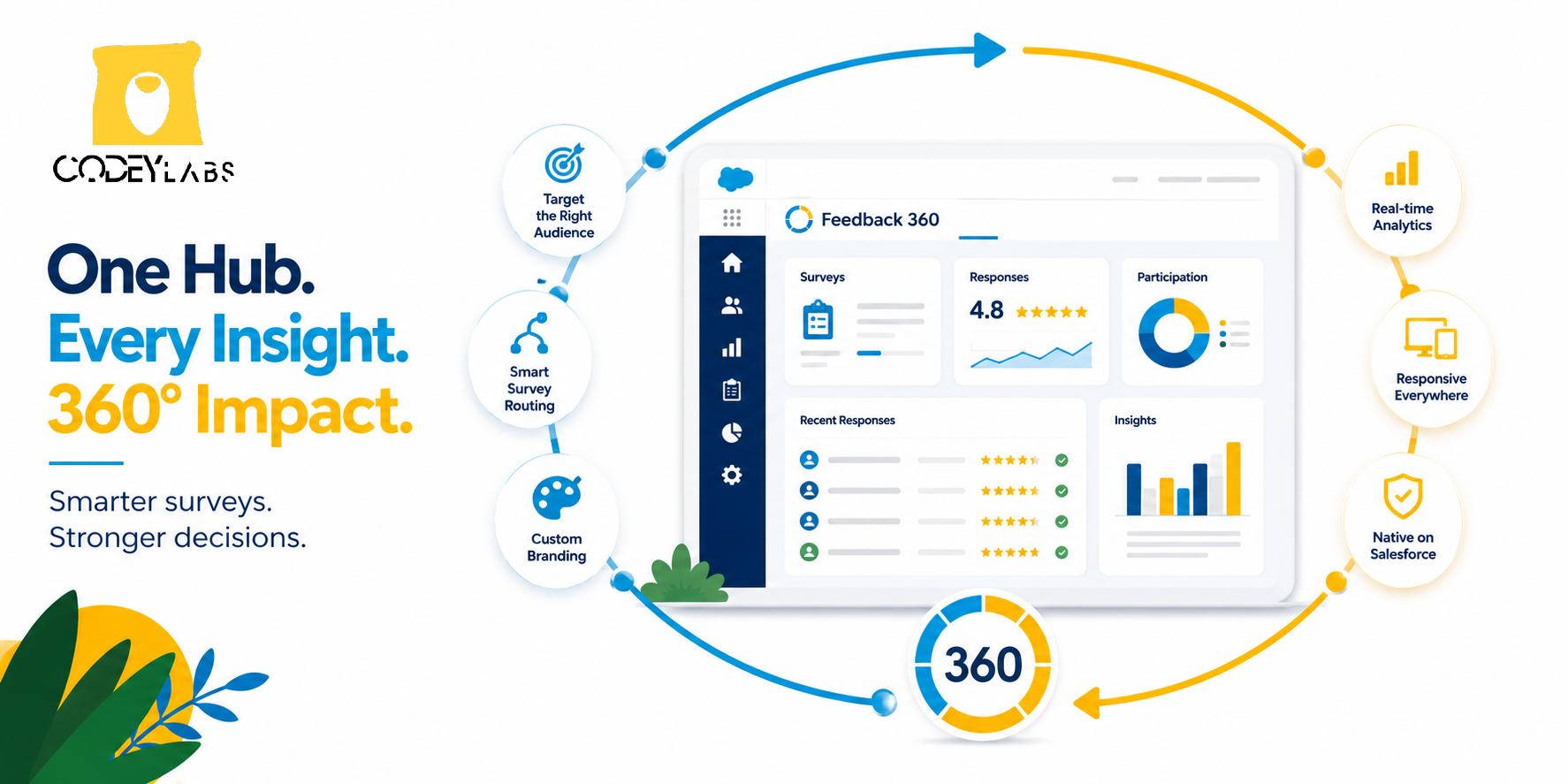
Feedback 360 is a custom Lightning feedback survey tool built natively on the Salesforce Lightning platform. It is designed to be a comprehensive, "one-stop-shop" for survey configuration, administration, and analysis. By integrating seamlessly with native applications, Feedback 360 allows businesses to move away from a "jungle of external systems" and centralize their feedback processes.
| Core Challenges Addressed | |
| • | Difficulty measuring customer satisfaction particularly upon case closure. |
| • | Hurdles in conducting product reviews and internal training assessments for employees. |
| • | Lack of targeting when trying to reach specific groups based on their roles or responsibilities. |
| • | Fragmented reporting caused by having to fetch survey responses from multiple different systems. |
| KEY FEATURES | DESCRIPTION |
| Unified Administration Hub | A seamless, one-stop-shop to manage all survey details - including questions, participants, and responses - at once. |
| Dynamic Question Routing/Branching | Intelligent routing that effortlessly guides respondents through a tailored survey experience based on their previous answers. |
| Diverse Question Support | Versatility in design with support for various formats including choices, date, date time, text, ratings (stars, emoticons, numbers), and HTML5 compatibility. |
| Flexible Custom Styling | Users have the freedom to define custom themes, tailoring the look and feel of surveys to match their unique brand identity. |
| Role-Based Targeting | Easily target surveys to specific groups of people based on their internal roles and responsibilities. |
| Time-Bound Surveys | Enhance learning experiences by conducting timed mock tests or pre-assessments where answers must be submitted within a defined duration. |
| Robust Analytics | Gain actionable insights through detailed reports on survey responses and comprehensive usage tracking. |
| Responsive Design | Ensures seamless usability and an optimal experience for respondents across various devices and screen sizes. |
| Single & Multi-Page Formats | Choose between a quick single-page form for instant feedback or multi-page formats for deeper dives, allowing you to tailor the experience to the user's attention span. |
| 💡 | Tip Relate Feedback 360 survey invitations and responses to any standard or custom Salesforce object to effortlessly bridge your feedback data with your core business automation. |
https://www.youtube.com/watch?v=maHMQKqr9Ns
VALUE IT BRINGS
| ☐ | Contextual Surveys: Easily conduct surveys specifically tied to cases, products, or processes. |
| ☐ | Centralized Management: Simplify operations by keeping all survey-related data in one location. |
| ☐ | Actionable Insights: Deep-dive reports aid the business in taking immediate, appropriate action based on respondent feedback. |
| ☐ | Optimized Performance: Features like cached survey forms ensure a fast and reliable user experience. |
| 💡 | Pro Tip Leverage Feedback 360 to run internal mock tests and assessments . Seamlessly track employee progress right inside Salesforce to target skill gaps and elevate your Learning & Development (L&D) programs. |
Whether for engaging external customers or conducting streamlined internal reviews , Feedback 360 provides a proactive and intelligent system for capturing the voice of your audience.
| "Whether for engaging external customers or conducting streamlined internal reviews, Feedback 360 provides a proactive and intelligent system for capturing the voice of your audience." — Rahul Jain |