Managing Skills
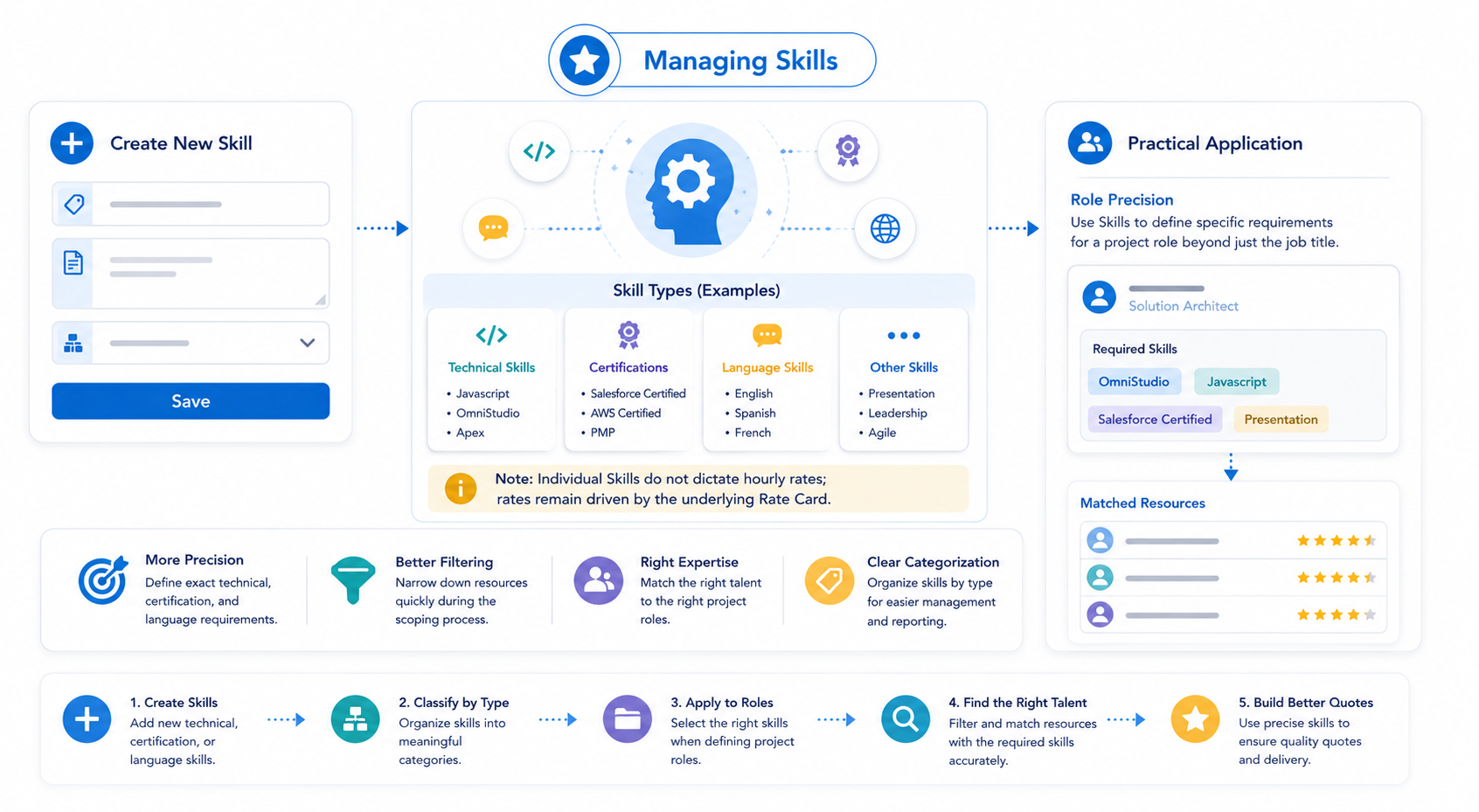
Skills allow you to get more specific when adding roles to your project. While Practices define a broad service line, Skills represent precise technical capabilities, professional certifications, or language proficiencies (e.g., Javascript, OmniStudio, Presentation).
Note: Individual Skills do not dictate hourly rates; rates remain driven by the underlying Rate Card.
Setting Up Skills
To manage technical and professional skills, navigate to the PSC Skills tab in the Pre Sales Cloud Admin App.
- Select ‘+ New PSC Skill’ from the PSC Skills tab dropdown.
- Provide a specific name for the skill.
- In the ‘Description’ field, you can provide more details about the skill.
- Select a type. This is a way to classify your skills.
- Click ‘Save.’
Practical Application
Once your Skills are established, they serve a primary functions:
- Role Precision: Use Skills to define specific requirements for a project role beyond just the job title.
Next Step: Setup Rate Cards and Pricing